ToddlerOS Try it free

Swap Brain Rot For Brain Building.

Try three questions from Colours, Level 1

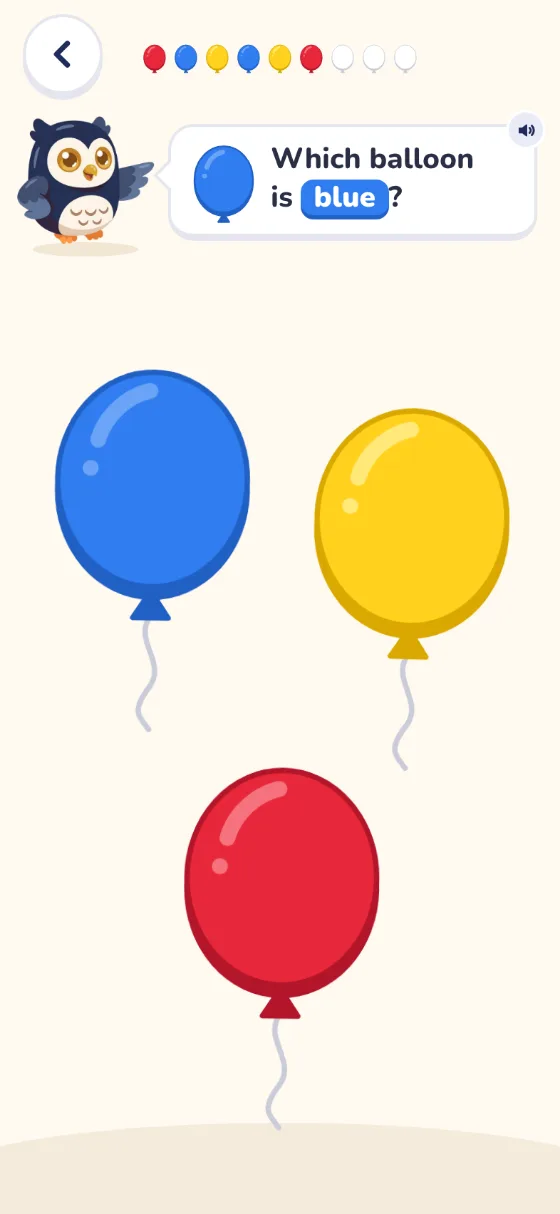
Ollie asks for a colour. Tap or click a balloon, or move to one with the Tab key and press Enter.

Which balloon is blue?

  • Colours
  • Counting
  • Shapes
  • Letters
  • Tracing
  • Patterns
  • Number sense
  • Memory
  • Join the dots
  • Colouring

The problem

Most kids’ apps are built to keep them watching.

ToddlerOS teaches one small thing, then lets go.

The usual way
The ToddlerOS way
A tablet with an endless strip of grey video thumbnails curling up out of it.
A tower of bright toy blocks with four balloons tied to the top.

An endless feed

Short games that end

Stars, streaks and prizes

Praise from Ollie

Ads and upsells

Nothing to buy in your child’s view

How it works

No guesswork. Three steps.

  1. 01Once

    Pick their age

    The path opens at their stage, and nothing is ever locked.
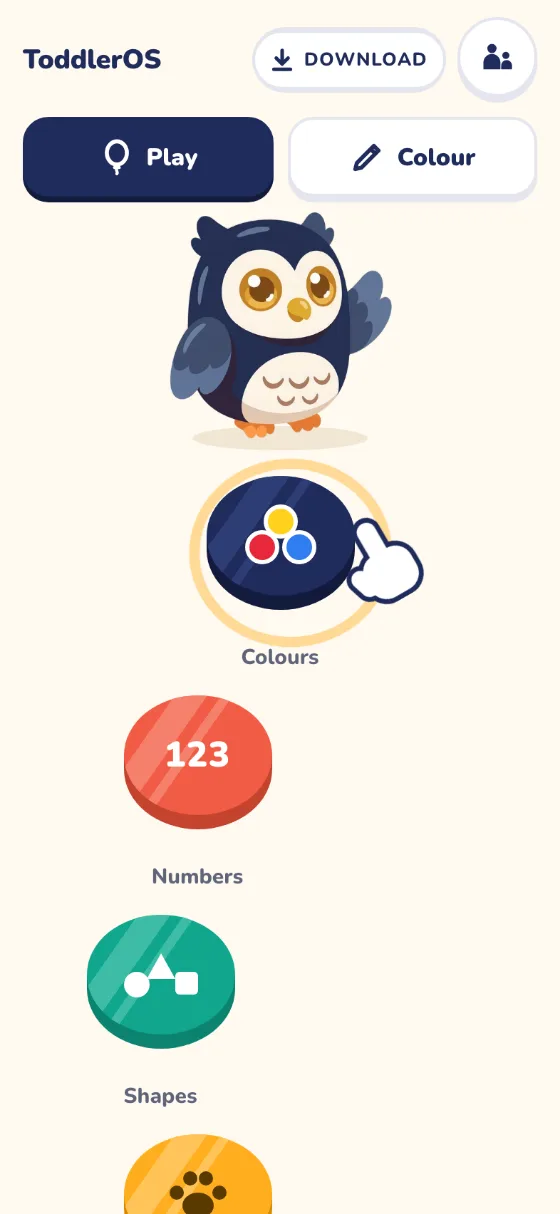
    The app’s home screen: Ollie stands above the first game on the path, Colours, which pulses, with Numbers and Shapes below.
  2. 02Each game

    Short, calm games

    Ollie asks out loud, and your child taps, slides or traces.
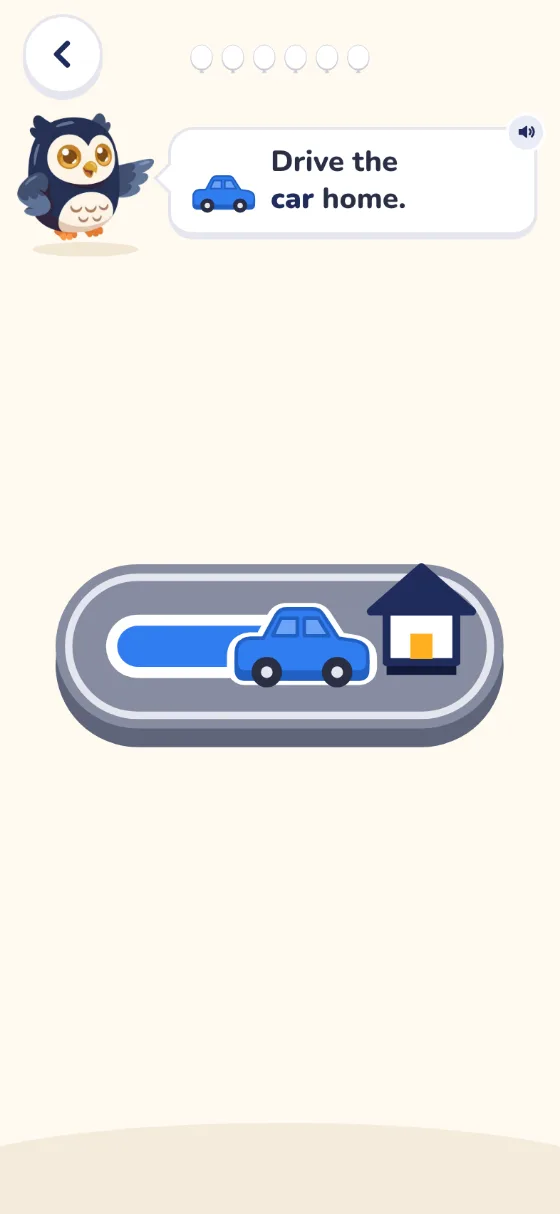
    The Drive game: Ollie says Drive the car home, and a blue car is half way along a grey road to a little house.
  3. 03Any time

    See how it went

    The grown-ups page shows how each game went, with tips.
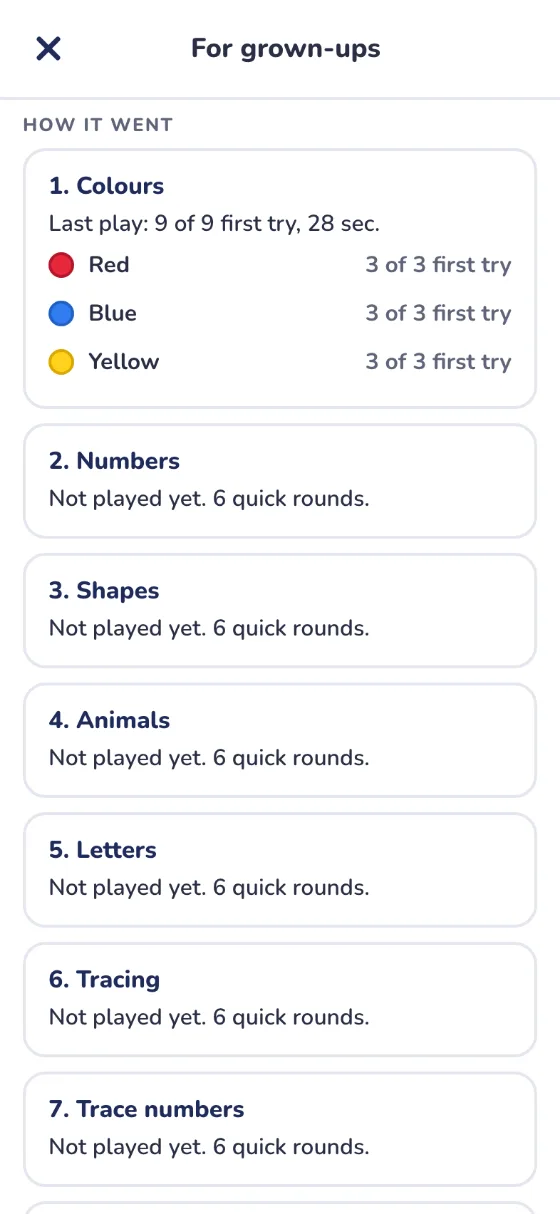
    The grown-ups page, How it went: Colours, 9 of 9 first try, with red, blue and yellow each 3 of 3.

Minutes, not hours. That is the whole idea.

The levels

One path that grows with them.

19 games in 3 levels, all open from day one.

Meet the games

1 of 19: Colours

  1. Game 01

    Colours

    Level
    1
    Colours: Ollie asks Which balloon is blue? Blue, yellow and red balloons float below.

    Ollie asks which balloon is red, blue or yellow. Your child taps it.

  2. Game 02

    Numbers

    Level
    1
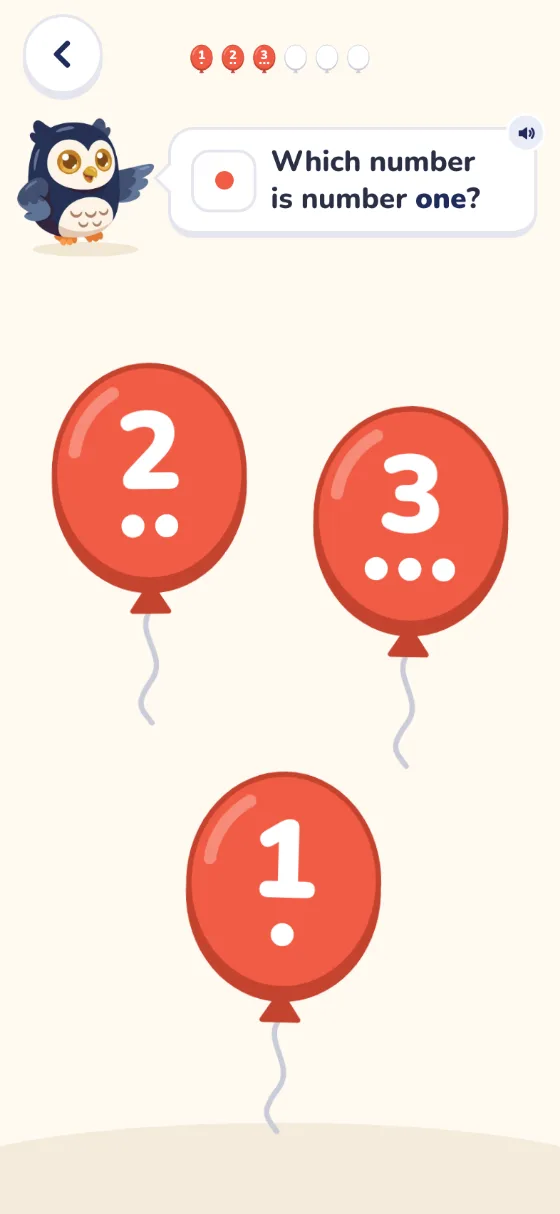
    Numbers: Ollie asks Which number is number one? Balloons show 2, 3 and 1, each with that many dots.

    Find number one, two or three. Each balloon shows the numeral and that many dots.

  3. Game 03

    Shapes

    Level
    1
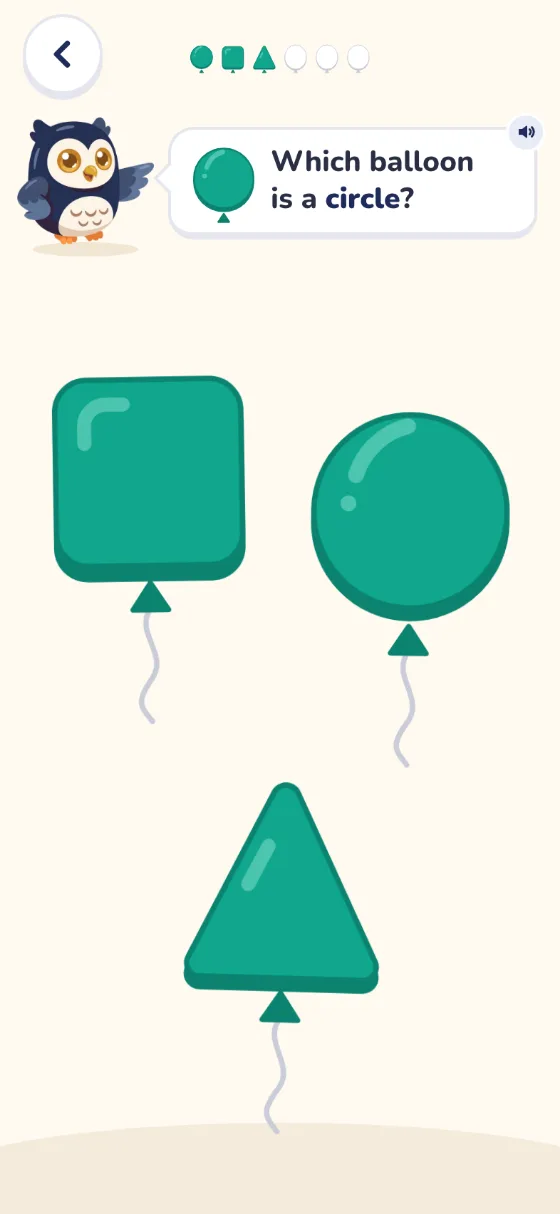
    Shapes: Ollie asks Which balloon is a circle? A square, a circle and a triangle float below.

    Tap the circle, the square or the triangle. The balloon is the shape.

  4. Game 04

    Animals

    Level
    1
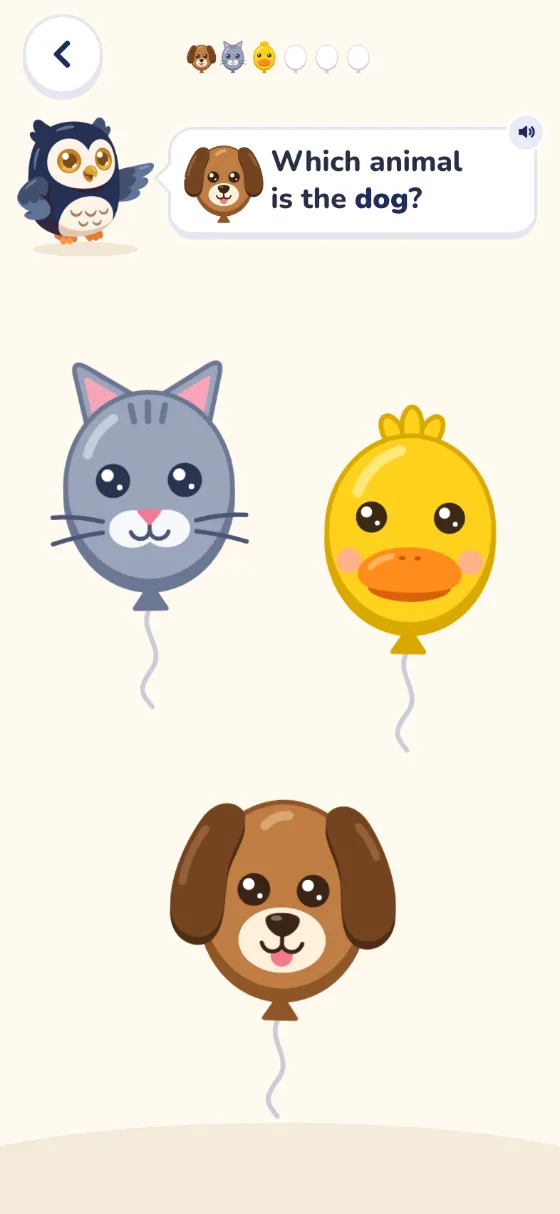
    Animals: Ollie asks Which animal is the dog? A cat, a duck and a dog float below.

    Find the dog, the cat or the duck. Ollie makes its sound when it is found.

  5. Game 05

    Letters

    Level
    1
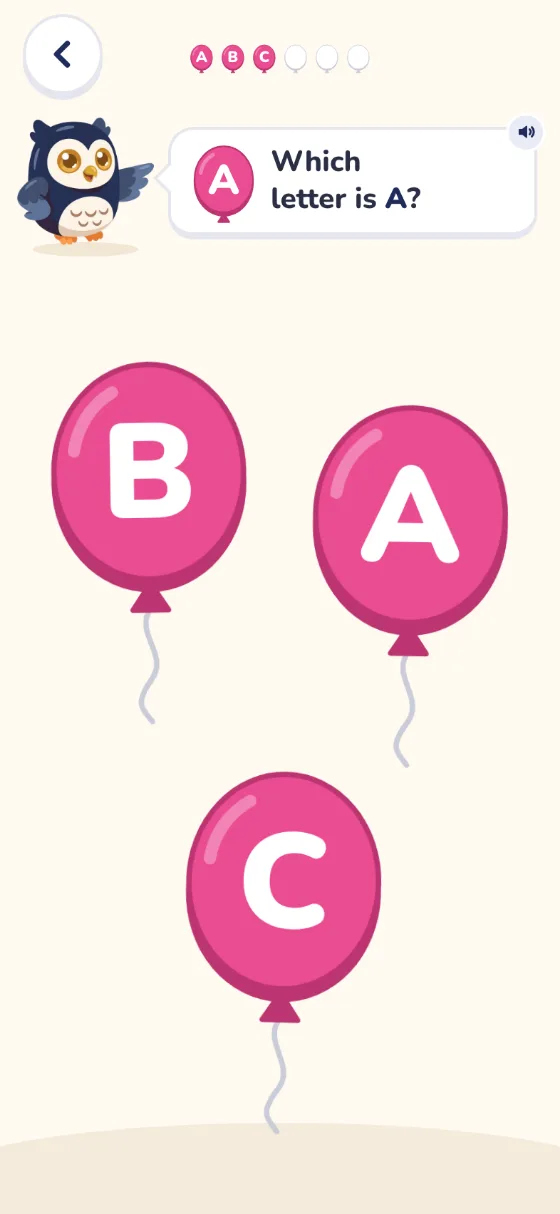
    Letters: Ollie asks Which letter is A? Balloons show B, A and C.

    Find the letter A, B or C when Ollie says its name.

  6. Game 06

    Tracing

    Level
    1
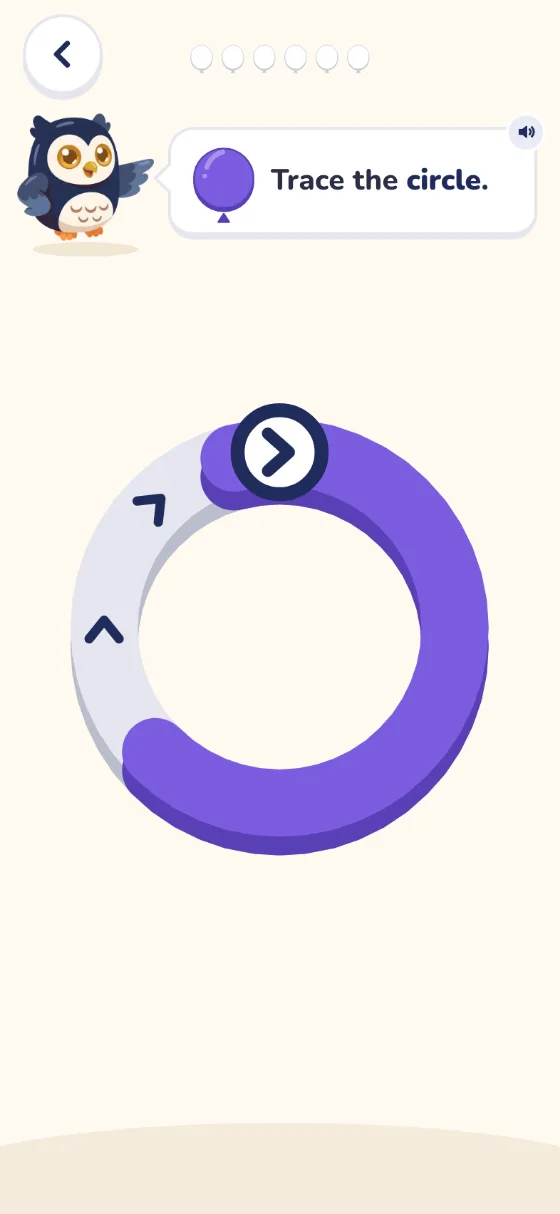
    Tracing: Ollie says Trace the circle. Most of a ring is coloured in.

    Trace round a circle, a square and a triangle with one finger.

  7. Game 07

    Trace numbers

    Level
    2
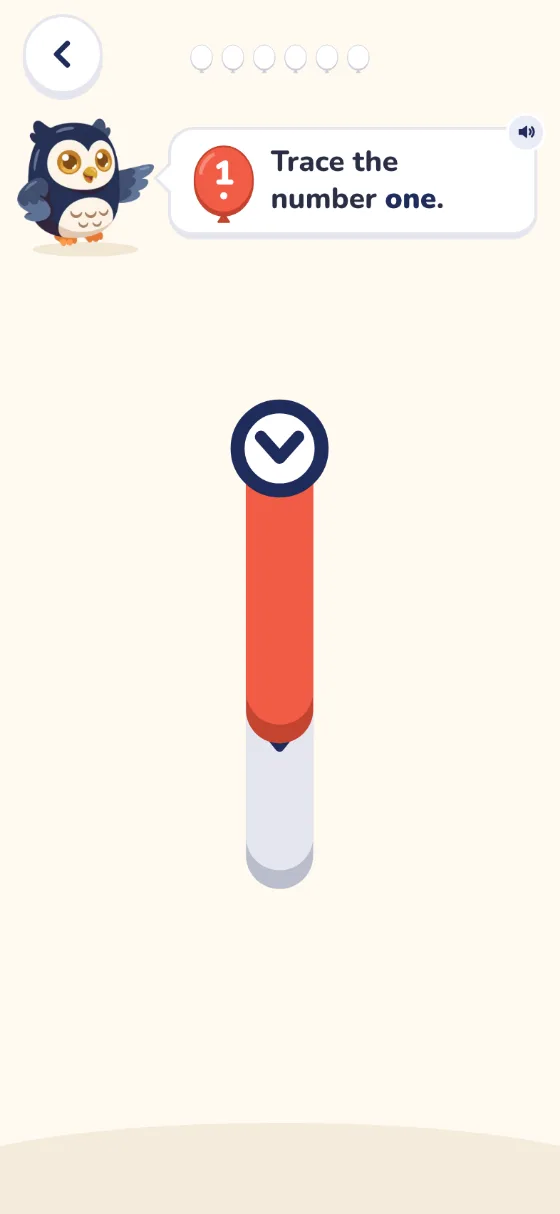
    Trace numbers: Ollie says Trace the number one. The top of the 1 is coloured in.

    Trace the numbers 1, 2 and 3, one stroke at a time.

  8. Game 08

    How many?

    Level
    2
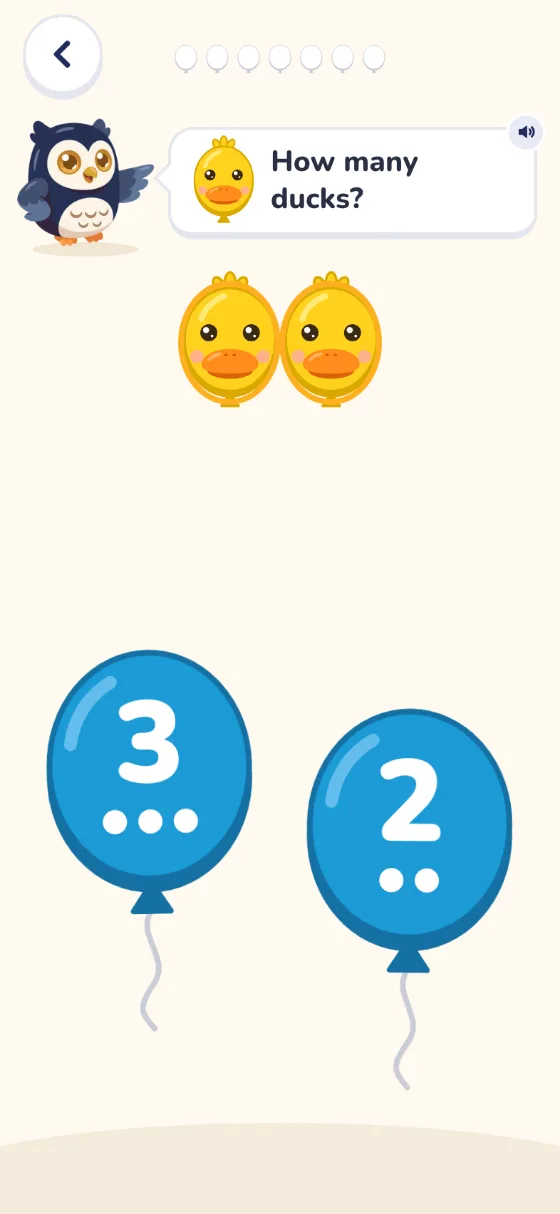
    How many?: Ollie asks How many ducks? Two ducks sit above balloons marked 3 and 2.

    Tap each duck to count it with Ollie, then pick the number.

  9. Game 09

    One more

    Level
    2
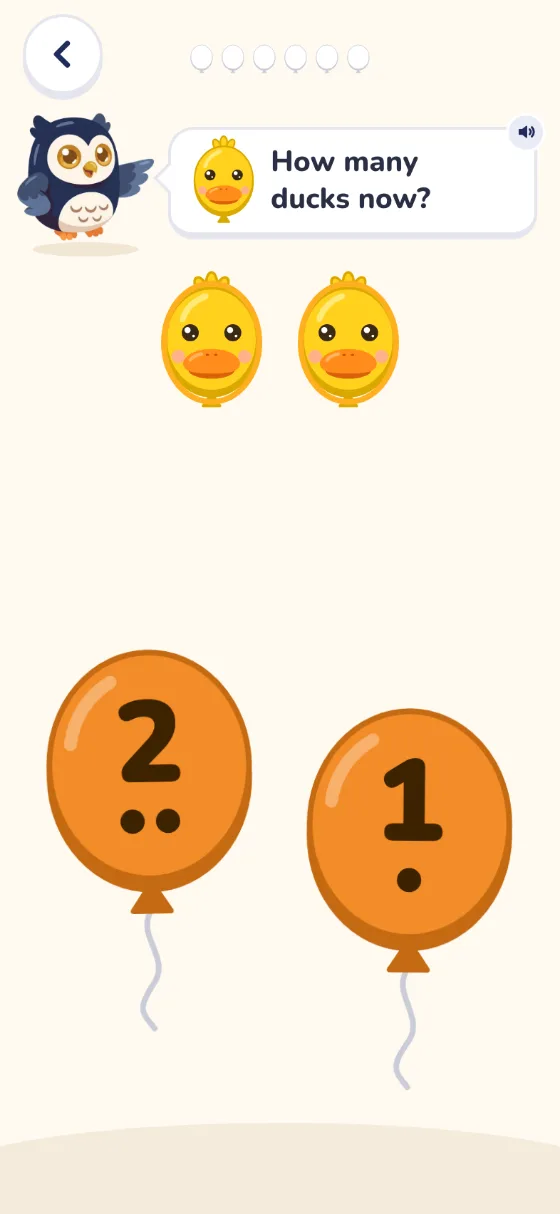
    One more: Ollie asks How many ducks now? Two ducks sit above balloons marked 2 and 1.

    Some ducks, then more arrive. Count them all and pick the number.

  10. Game 10

    Trace letters

    Level
    2
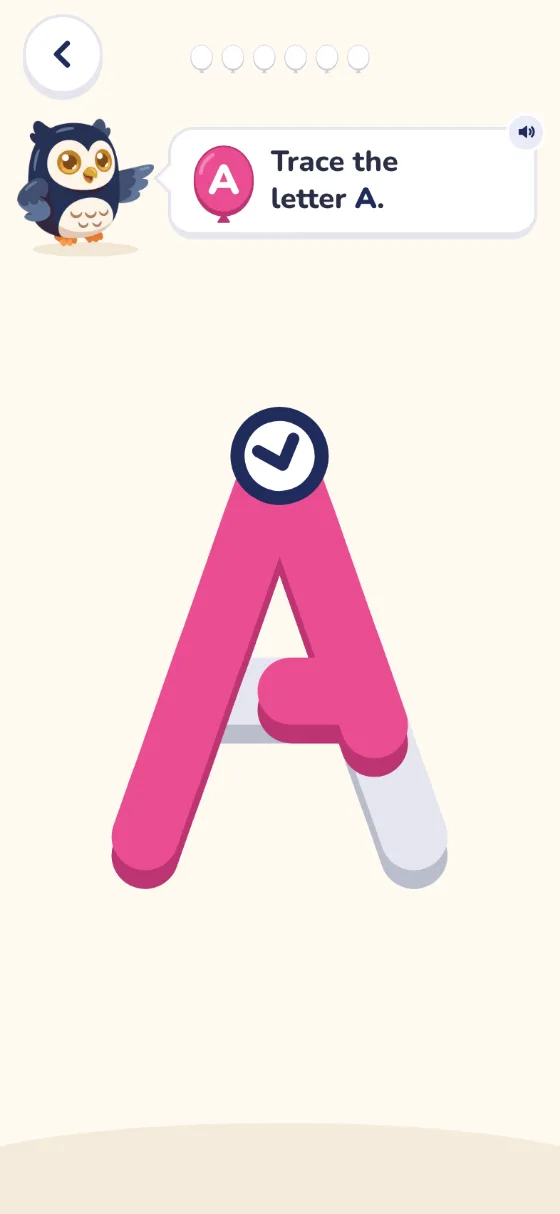
    Trace letters: Ollie asks the child to trace the letter A. The first stroke is filled in and the second is half done.

    Trace the letters A, B and C, one stroke at a time.

  11. Game 11

    What comes next?

    Level
    2
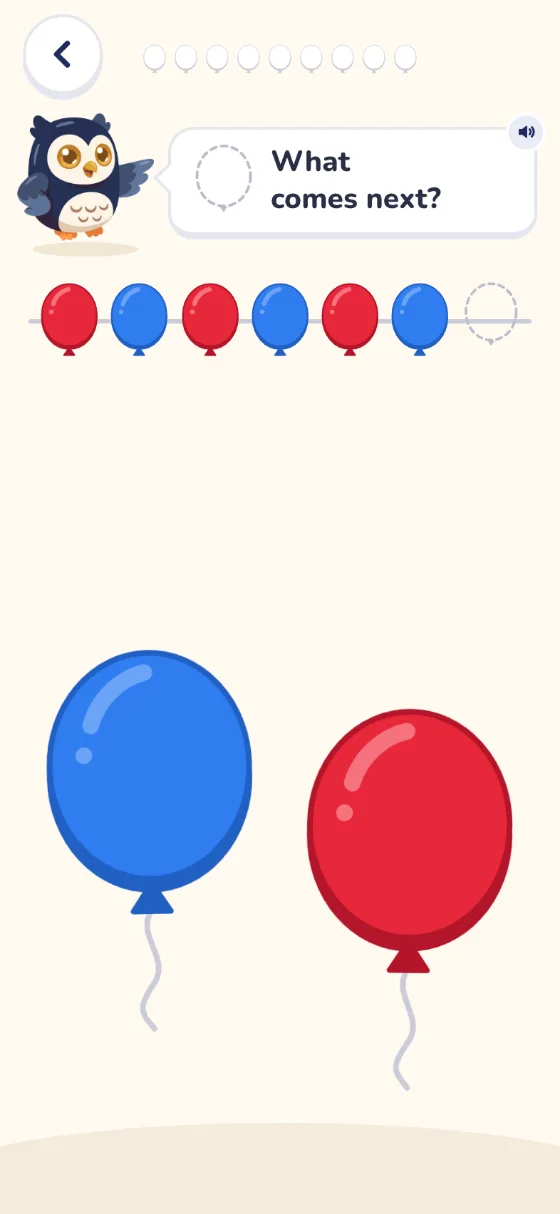
    What comes next?: a row of balloons, red, blue, red, blue, red, blue, then a gap. A blue and a red balloon wait below.

    Red, blue, red, blue. Your child picks the balloon that comes next.

  12. Game 12

    Number path

    Level
    2
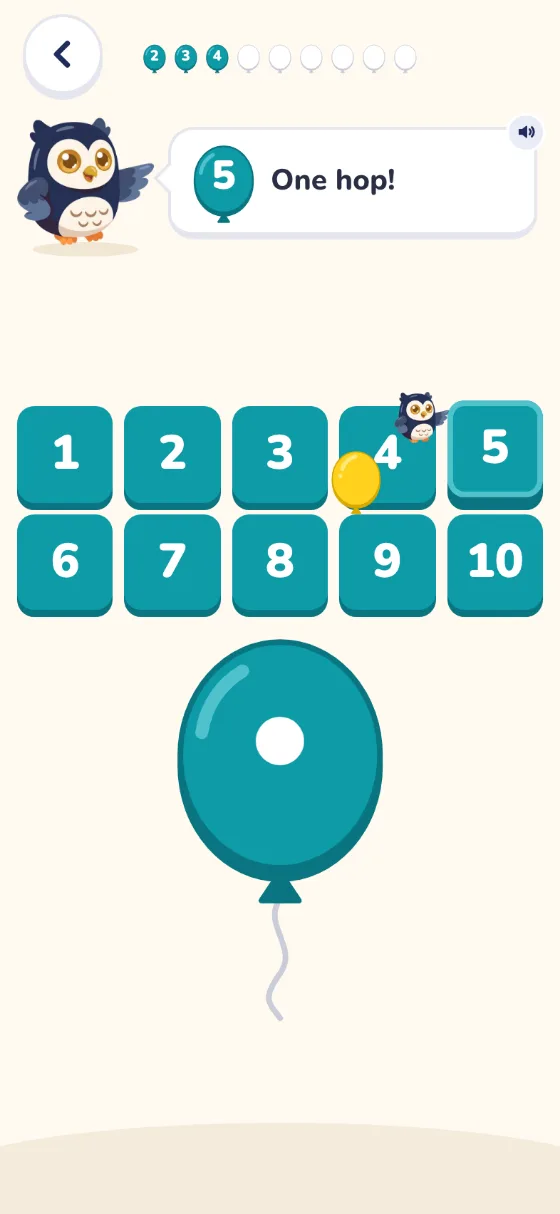
    Number path: squares numbered 1 to 10. The spinner shows one dot, Ollie says One hop! and square 5 is lit.

    Tap the spinner, then hop along a path from 1 to 10, taking turns with Ollie.

  13. Game 13

    Pairs

    Level
    2
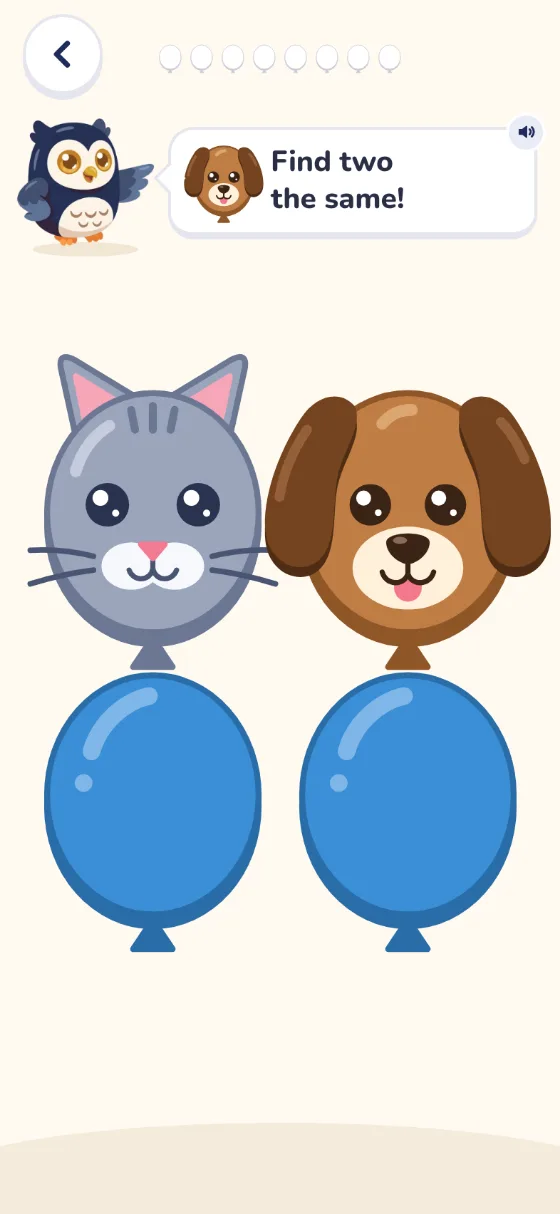
    Pairs: Ollie says Find two the same! A cat card and a dog card are turned over, above two cards still face down.

    Turn over two cards to find two animals the same.

  14. Game 14

    Drive

    Level
    2
    Drive: Ollie says Drive the car home, and a blue car is half way along a grey road to a little house.

    Drive a car, a bus and a truck home with one finger on the road.

  15. Game 15

    Bin it

    Level
    2
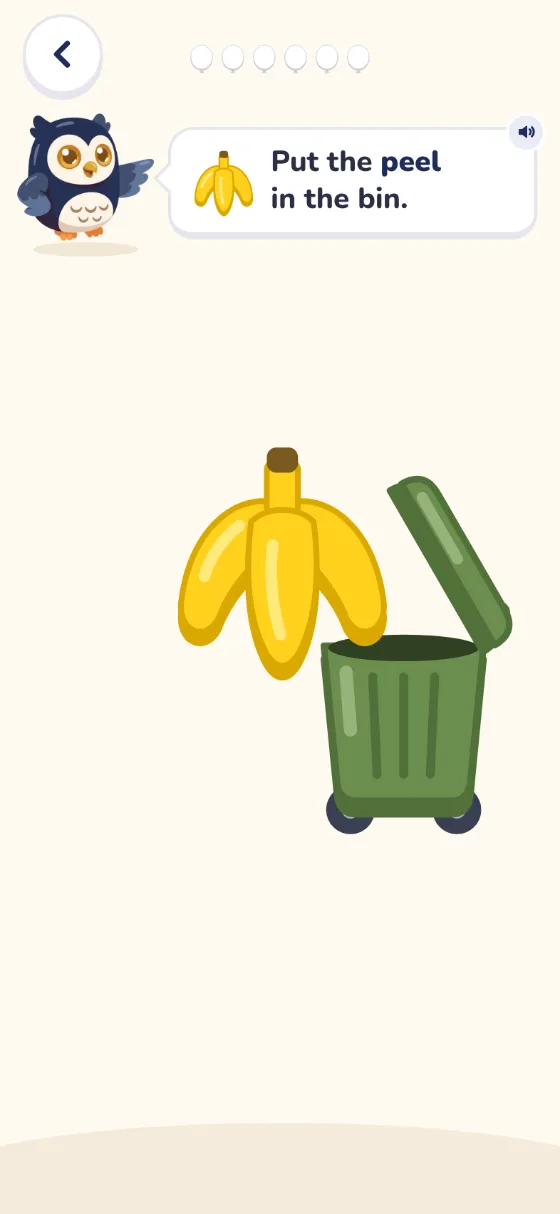
    Bin it: Ollie says Put the peel in the bin, and a banana peel slides towards a green bin.

    Slide a peel, a can and a box into the bin.

  16. Game 16

    Post it

    Level
    2
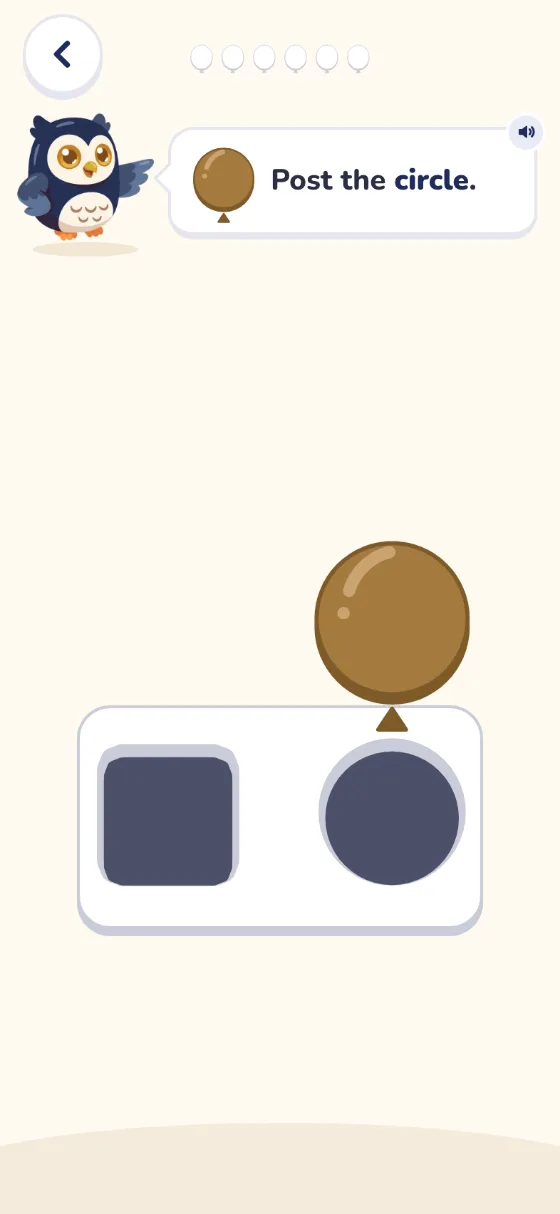
    Post it: Ollie says Post the circle. A circle slides towards a posting box with a square hole and a round hole.

    Slide each shape into the hole that fits it.

  17. Game 17

    Count to 20

    Level
    3
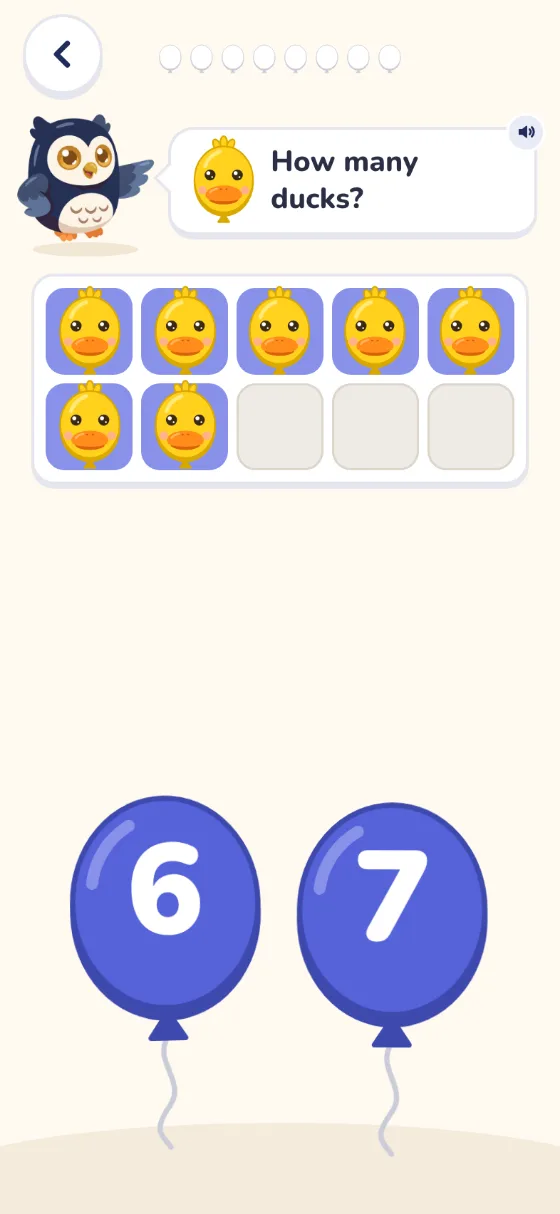
    Count to 20: Ollie asks How many ducks? Seven ducks sit in a box of ten, above balloons marked 6 and 7.

    Tap each duck and count with Ollie, all the way to twenty.

  18. Game 18

    Adding

    Level
    3
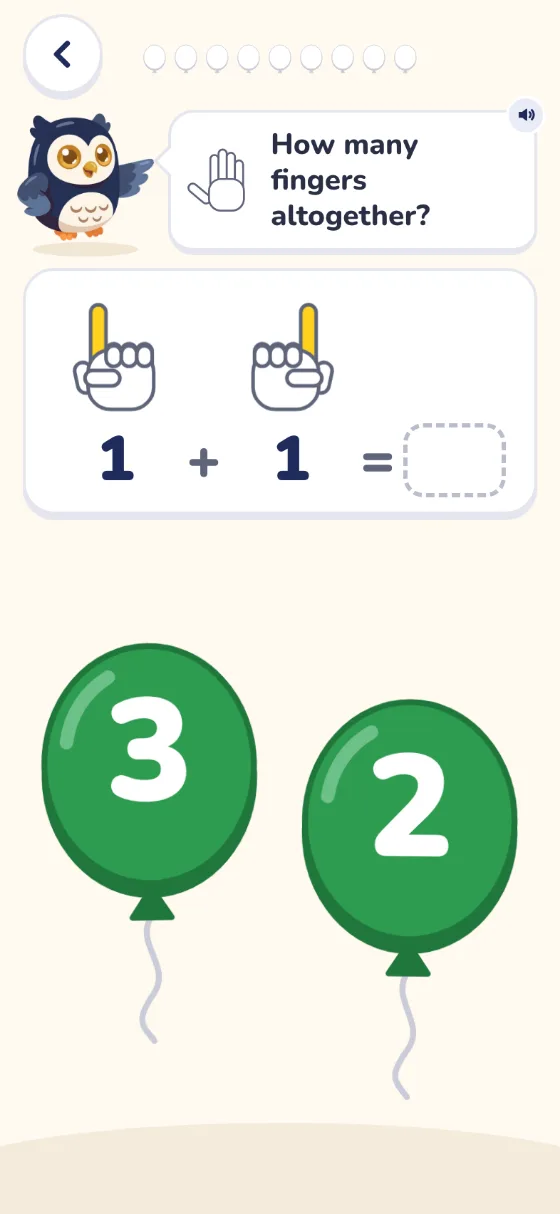
    Adding: two hands each hold up one finger, above 1 + 1 = and an empty box. Balloons marked 3 and 2 wait below.

    Two hands hold up fingers. Count them all to finish the sum.

  19. Game 19

    Join the dots

    Level
    3
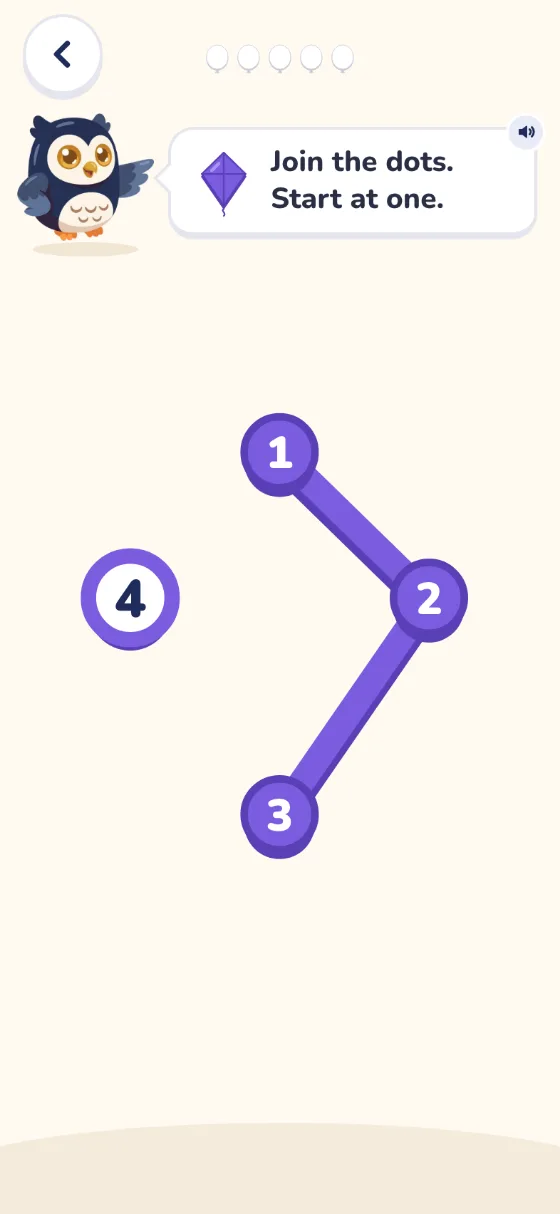
    Join the dots: Ollie says Join the dots, start at one. Dots one, two and three are joined, and dot four waits.

    Join the dots in order and a picture appears: a kite, a house, a boat and more.

Plus

The Colour tab

12 pictures to colour in with a finger, just for fun.
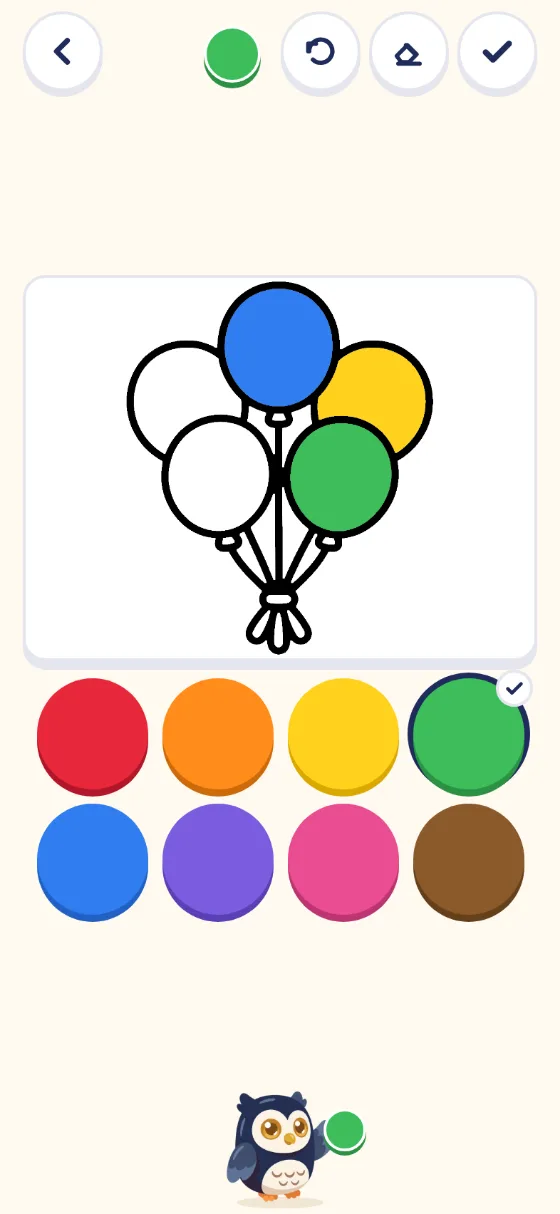
The Colour tab: a bunch of balloons, three coloured in blue, yellow and green, above a palette of colours.

Try all 19 games

How it teaches

Built by a teacher and dad.

Not a slot machine.

  1. Built to be played together.

    You and your child, side by side.

  2. No red crosses. No buzzers.

    Ollie helps, then asks again.

  3. No stars, prizes or streaks.

    Just praise from Ollie.

  4. Every game ends with a goodbye.

    Nothing starts until someone taps.

  5. Ollie speaks every word.

    No reading needed. Every question has a picture too.

  6. A tap counts the moment it lands.

    No waiting for small fingers to lift.

  7. Plays offline once opened.

    Open it once online and give it a minute.

Our promise

Screen time with an ending.

  • 19Games
  • 286Lines spoken by Ollie
  • 0Ads
  • 12Pictures to colour

The research

What the evidence says.

Three findings, and what we did with each.
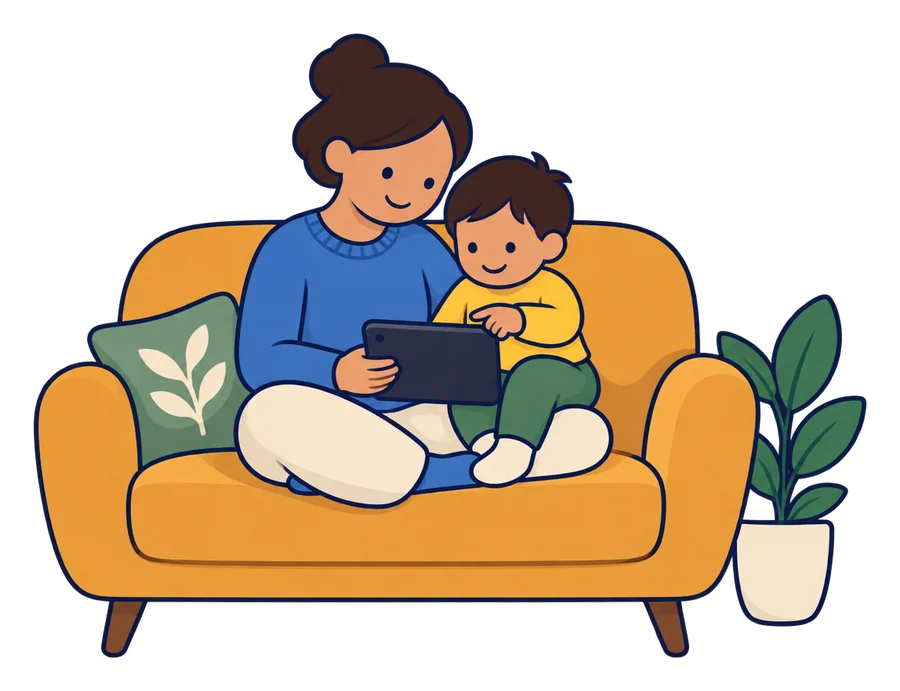
A parent and a toddler on a sofa, the toddler on the parent’s knee, looking at a tablet together.

A randomised study

Playing a simple number board game improved preschoolers’ number knowledge.

What we did: the Number path game is that board, 1 to 10.

Strong study. Not tested in our app.

Source: Ramani and Siegler, 2008.

A classic study

A promised reward can lower a child’s own interest.

What we did: no stars, prizes or streaks.

Medium. One study.

Source: Lepper, Greene and Nisbett, 1973.

Pricing

Free to start. Premium soon.

Free

Open now, early preview

$0no sign-up needed

  • Starts at your child’s stage
  • No daily limit for now (5 games a day is coming)
  • All 19 games
  • Ollie’s voice on every word
  • Plays offline once opened
Try it free

Opens the app straight away.

Premium

Being built now

$34.95a year (AUD)

Under 10 cents a day

  • Everything in Free
  • Personalised with your child’s name
  • Behaviour management strategies for you
  • Up to 3 custom games a month

Start free today.

FAQ

Your questions, answered.

Is screen time bad for toddlers?

The World Health Organization and Australia advise no screens under 2, and no more than an hour a day from 2 to 5. Less is better.

Who is it for?

Children from age 2. Three levels grow with them, and every level stays open.

Is there a daily limit?

Not yet. The free plan will soon be 5 short games a day.

Does it need the internet?

Only the first time: give it a minute to save. On an iPhone or iPad, open the home screen icon once online too.

What is in Premium?

Coming soon: your child’s name in the app, behaviour strategies for you, and up to 3 custom games a month. It will cost $34.95 a year.

What happens to my child’s data?

It stays on your device. Nothing is sent anywhere, and there are no ads or tracking.

Which devices does it work on?

Phones, tablets and computers, in the web browser. A tablet gives small fingers the most room.

Ready when you are

Let’s swap the scroll for skills.

Try it free
Levels
3, all open
Devices
Phone, tablet or computer
Cost
Free to start
Ollie the owl, cheering, holding a bunch of five balloons.